> For the complete documentation index, see [llms.txt](https://suby.gitbook.io/documentation/llms.txt). Markdown versions of documentation pages are available by appending `.md` to page URLs; this page is available as [Markdown](https://suby.gitbook.io/documentation/getting-started/accessing-your-suby-account.md).
# Accessing Your Suby Account
Merchants who already have a Suby account can securely sign in to the Suby Dashboard using a one-time verification code.
## Sign-In Process
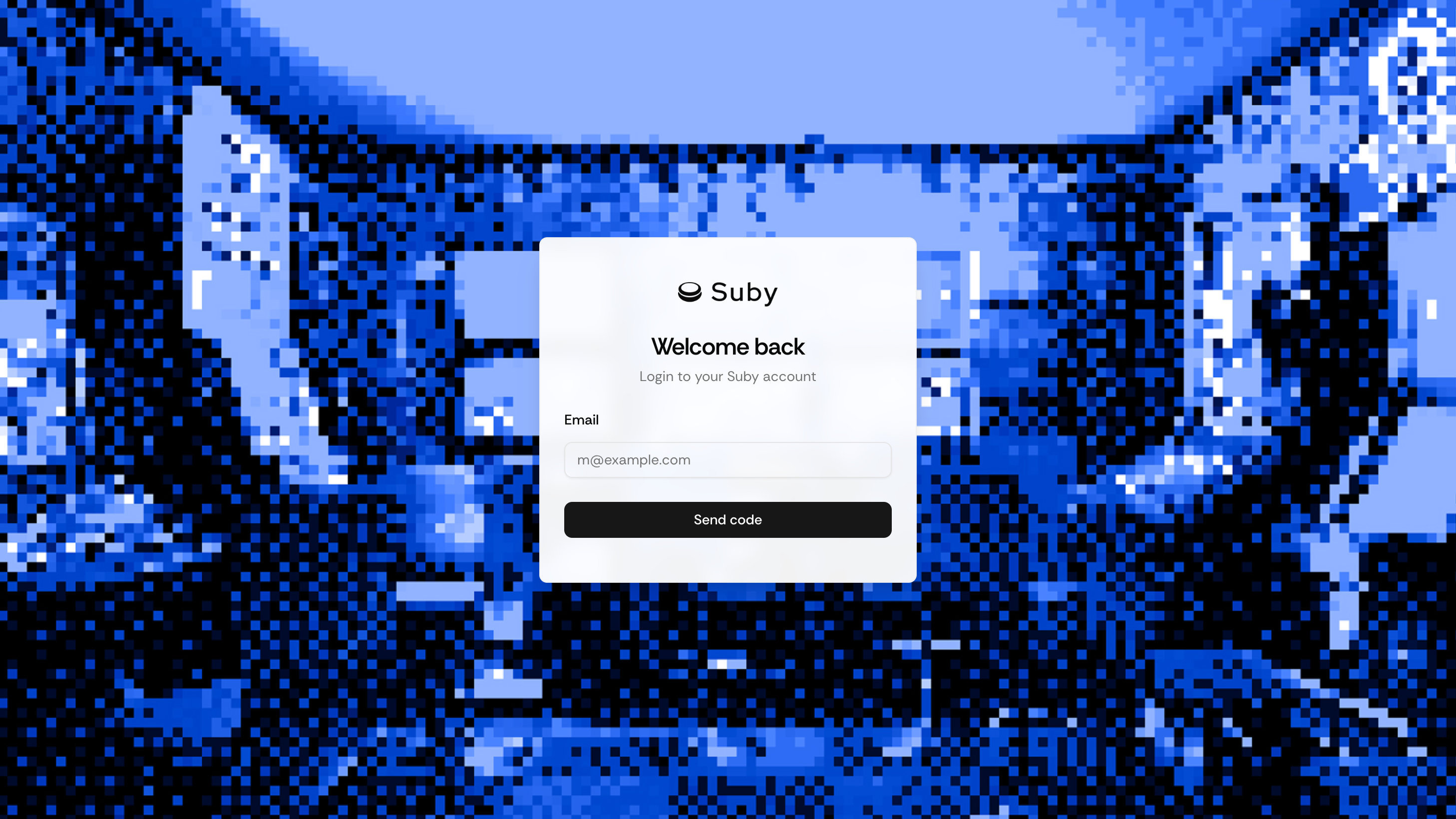
1. Visit app.suby.fi
2. Enter your email address
3. Click Send code
4. Check your inbox for the one-time access code
5. Enter the code to open your dashboard
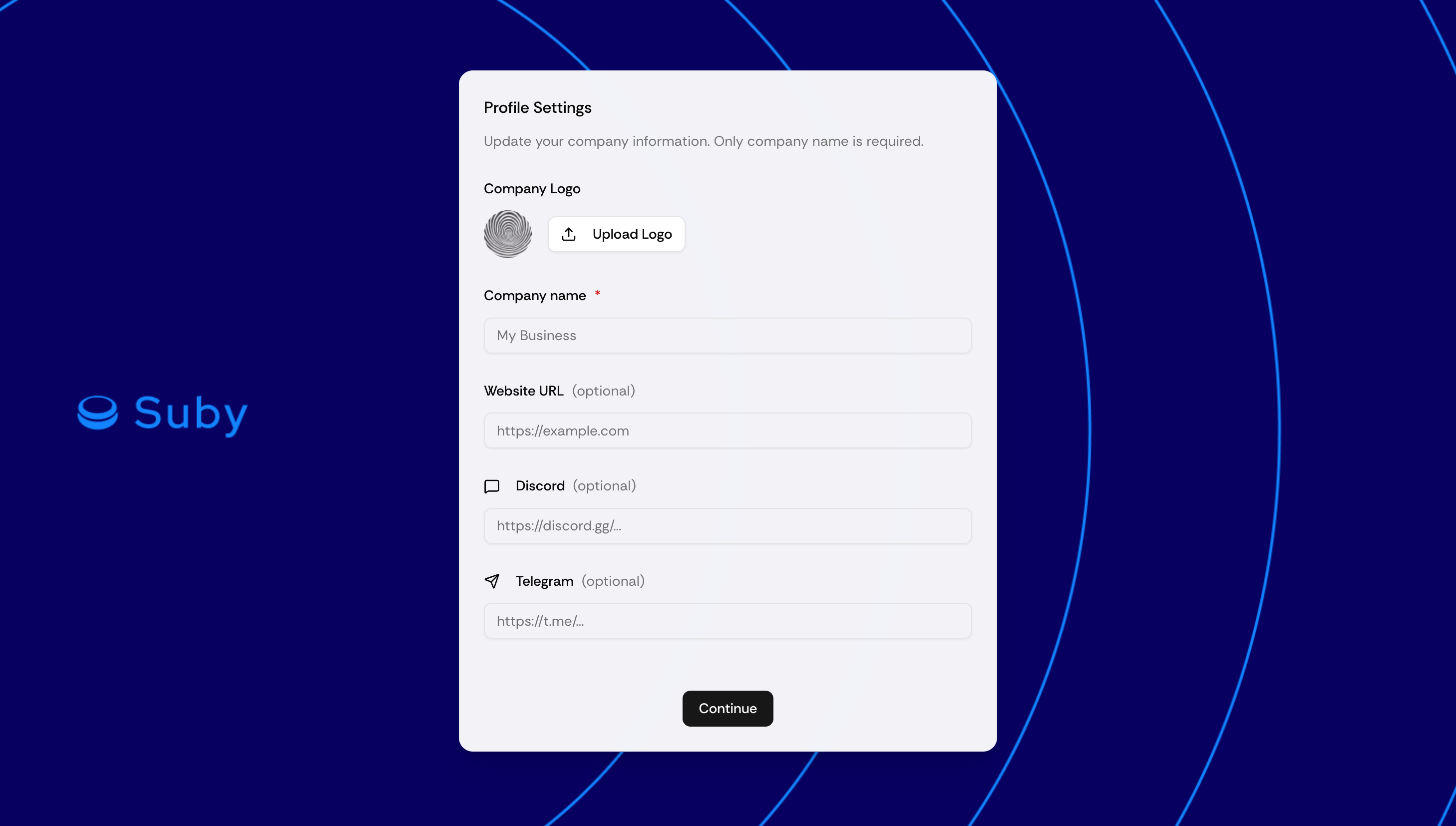
To get started, we’ll ask you to provide a few details about your project:
* Company logo (upload)
* Company name
* Website URL *(optional)*
* Discord & Telegram links *(optional)*
These links help your users trust your project, but they’re not required.
#### After Sign-In
Once authenticated, you’ll arrive on the Dashboard overview. From there, you can:
* Monitor incoming payments and settled payouts
* Create, edit, and share payment links
* Add or update payout destinations (crypto wallet only)
* Configure your business and account settings
***