> For the complete documentation index, see [llms.txt](https://suby.gitbook.io/documentation/llms.txt). Markdown versions of documentation pages are available by appending `.md` to page URLs; this page is available as [Markdown](https://suby.gitbook.io/documentation/how-to-pay/card-payment.md).
# Card Payment
### Card Payment Guide
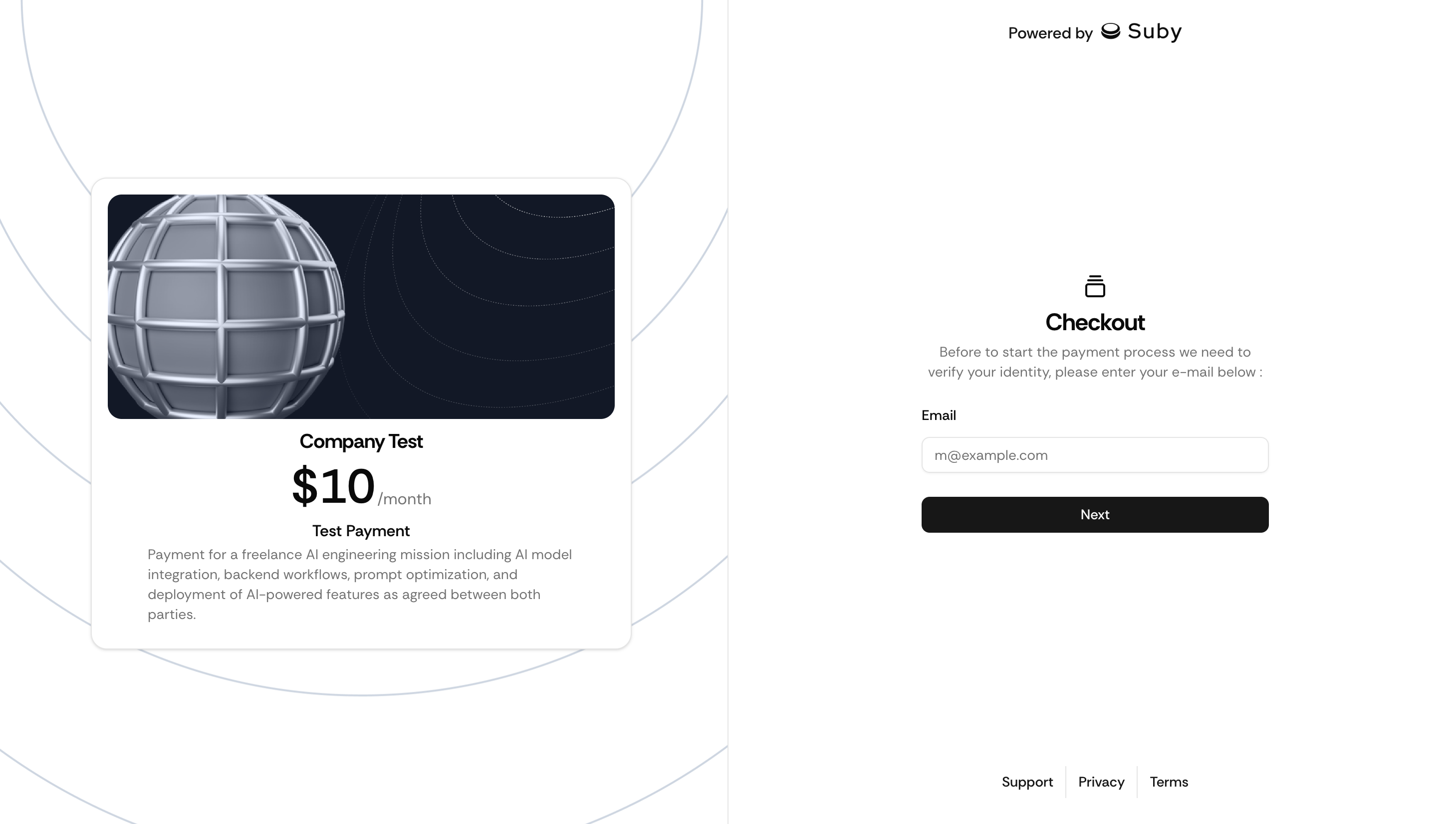
To process your payment, we first ask for your email address. This allows us to send you confirmations and receipts.
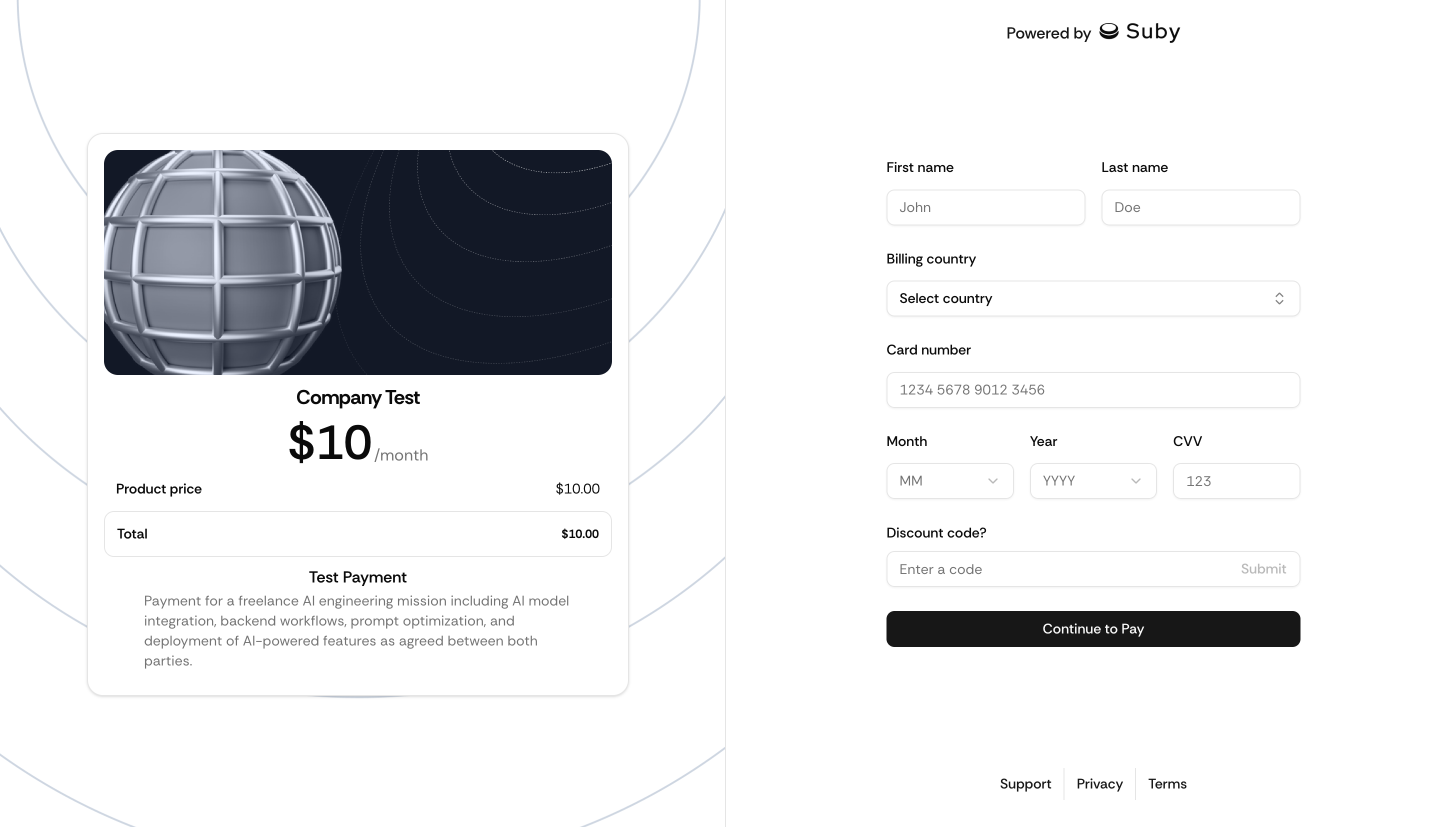
Next, simply enter your personal and payment details:
* First name & last name
* Country (required for tax purposes)
* Card number
* Discount code (if available)
Security notice: We never store your card details. All payments are processed securely by our payment provider.
Bank verification: In some cases, your bank may request an additional verification (3D Secure).\
Please wait for the payment confirmation screen.
Need help?\
If you experience any issues, contact our support at **** or reach out directly on [Discord](https://discord.gg/dZUNJAcjfA).